Maya
Settings
for correct Maya operation, we recommend applying the following settings:
- In the
Renderermenu, selectViewport 2.0. This setting allows real-time display of lighting, shadows, materials, and other effects in high quality within Maya’s viewport without needing to render. Some optimizations only activate inViewport 2.0, which can affectFPSand scene load times. This is the preferred mode for modern graphics cards.Legacy Viewportis no longer supported by Autodesk, and we cannot guarantee its stability. - Set the
Evaluation Modeto Parallelto improve performance by utilizing all available CPU cores during rendering. - Enable
GPU Overrideto speed up deformation processing using yourGPU.
warning
Not all graphics cards support GPU Override.
If you experience issues with a scene (e.g., significant slowdowns or rig malfunctions):
- First, try updating your graphics card driver.
- If that doesn't resolve the issue, disable
GPU Override. - Use the Rendering Engine: OpenGL - Core Profile (Compatibility). We recommend this mode as we do not support DirectX.

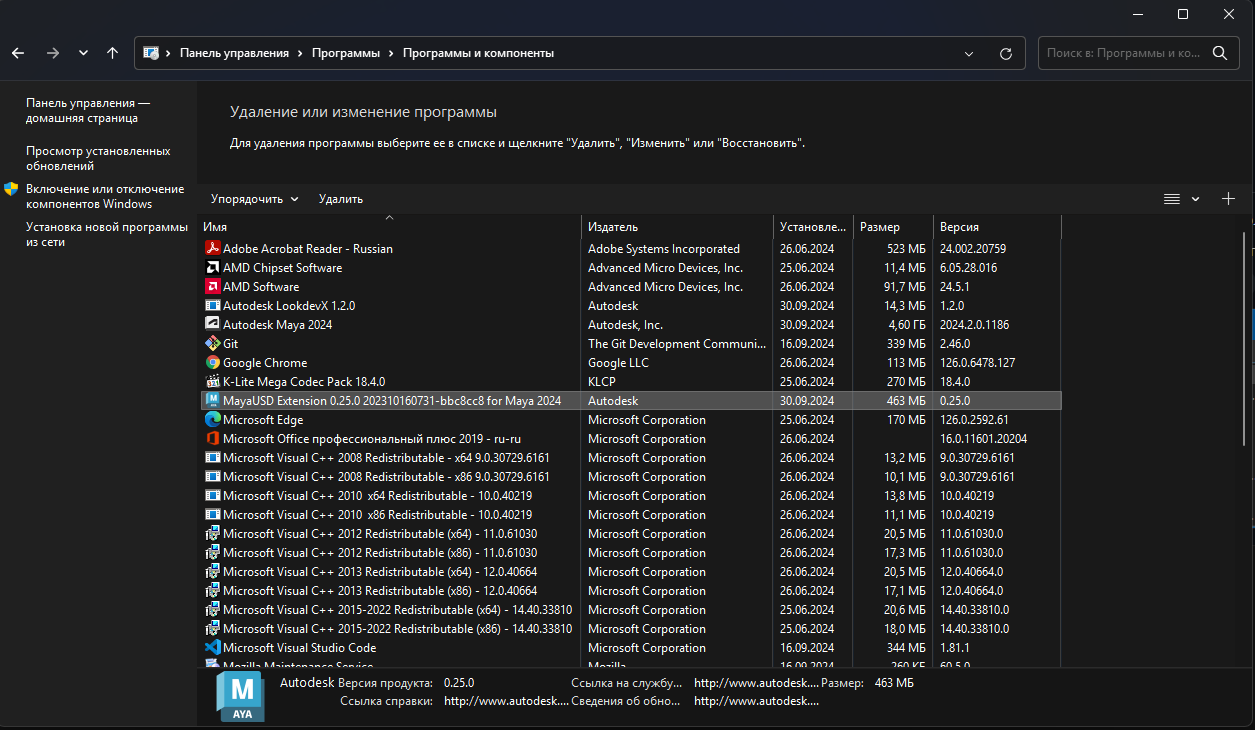
MayaUSD Extension deletion
warning
For Maya 2024, it is necessary to uninstall the MayaUSD Extension for the Voronezh Studio's version of MayaUSD Extension to work correctly.
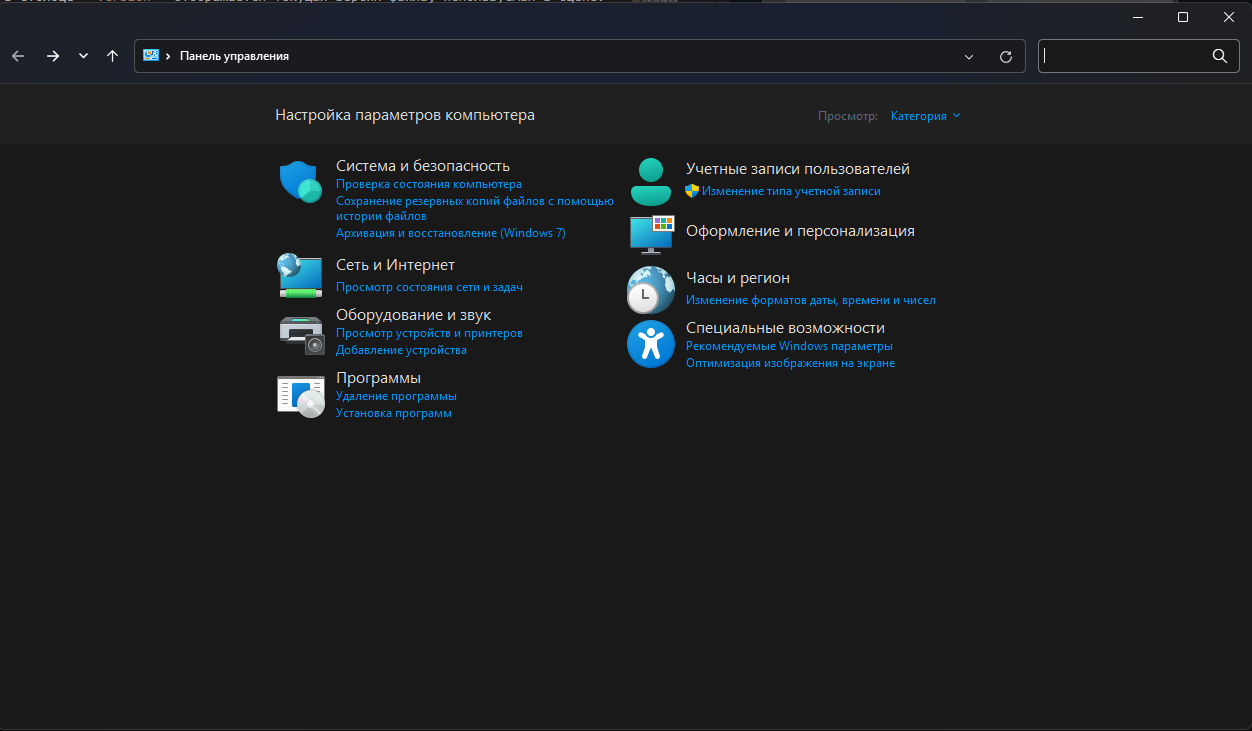
To do this, open the Control Panel, select Programs> Programs and Features, then Uninstall.
Graphics Hardware
A detailed list of video cards recommended for Maya 2024 can be viewed here.